RIP Styled-Components? Not Dead, but Retired
And what devs should be switching to…
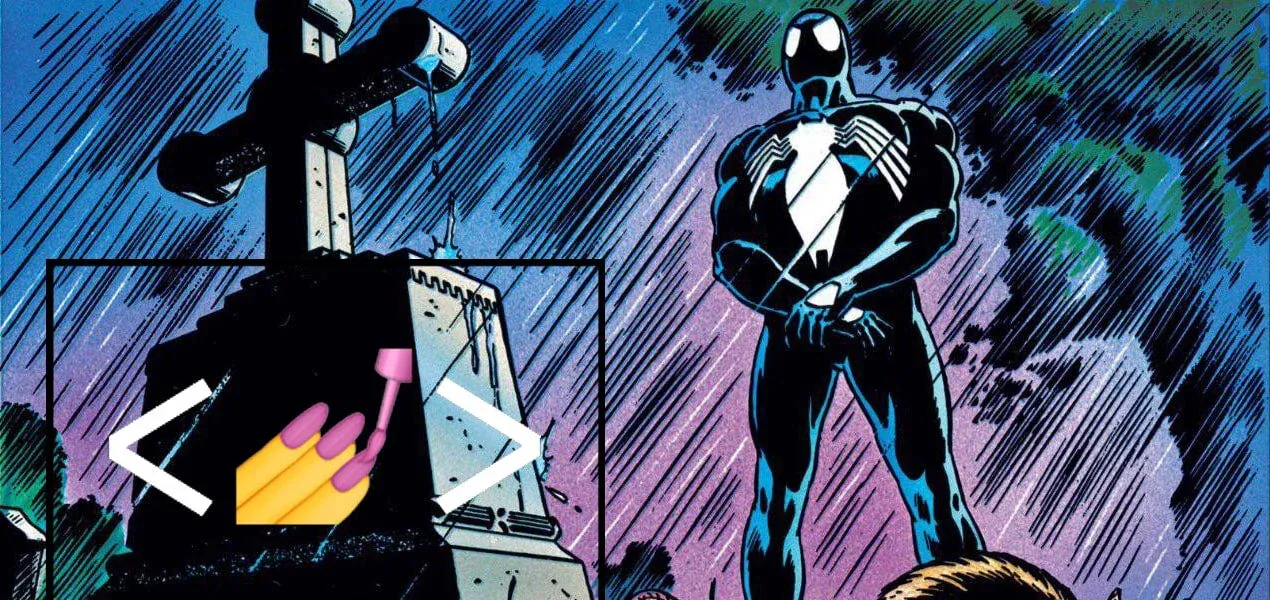
RIP to styled-components, photo by me
styled-components, one of my favorite ways to write CSS, is officially in maintenance mode. No new features, no big updates! Just the occasional bug fix or security patch if the building catches fire.
So, if you’re still using it, congrats: you’re now on the Legacy Express!
Why styled-components Appeared
In this article, I want to dive a little bit into why it appeared, what it meant for the React Ecosystem and why something replaced it.
Unlike Angular, Vue or Svelte, Meta’s UI Library didn’t have a “default” way to write scoped CSS. A lot of earlier projects used SCSS and had a different folder structure to keep everything “tidy”.
Which meant mostly one thing. Global CSS. And Global CSS sucks at Scale!
In early web development, CSS was global by default. One giant .css file and every style could leak everywhere
Small sites? Fine.
Big Apps? Chaos!
Naming collision, specificity wars and dead code were such a few of the issues presented.
But then Component-based development took over. You write a small UI piece, reuse it as many times as needed, combine pieces to build the whole thing. It made sense that styles should live with the components too, not to be floating around somewhere random.
Colocation became the dream!
This is a very big topic in itself, about the evolution of CSS. I might just write another article about this, so stay tuned!
Why styled-components Fell Off
As with anything good that comes in life, there is also the bad and the ugly. Besides the obvious performance issues, there have been multiple issues which made the project unbearable:
- React Left it Behind
The React Team has been cleaning house (bye bye, legacy Context API) andstyled-componentsdidn’t get an invite to the future. No upgrade path, just stuck in time. - **It only makes sense for React
**Other JS frameworks have scoped CSS elements directly in the component. While you could create a CSS file for a React component then import it, it’s a very tedious task, especially assigning those classes. In Vue/Svelte, for instance, you just write a<style>tag and that’s that. So there’s no need for CSS-in-JS solutions for other frameworks. - The Ecosystem Changed
Remember when CSS-in-JS was the hot new thing? Yeah, the ecosystem moved on. These days it’s about Tailwind and plain old CSS Modules. Less runtime overhead, better DEV experience and tools that don’t fight you every step of the way. It’s a normal occurrence, especially in Frontend World for things to change very fast. - Maintainer Burnout
Evan Jacobs, the lead maintainer, hasn’t been using his own project in production for years. No active usage = no motivation = no real updates.
So… What should you use instead?
If you’re kicking a new React project, don’t even think about styled-components.
For old projects? Might be time to start plotting your escape plan. Either to Tailwind/CSS Modules or another CSS-in-JS tool. Linaria, for instance.
Personally, I believe Tailwind will be the way people write CSS in the foreseeable future. Utility Classes should have been the way to write CSS a long time ago.
Final Thoughts
Styled-components was a game-changer. They started the movement away from global and inline styles and got us thinking about encapsulation and colocation.
But its time has passed and honestly, that’s a good move, especially long term. Technology exists because of a need, not a desire! Once that original need fades, the tech shouldn’t try to twist itself to accommodate current trends, rather we should use the right tool for the job. You wouldn’t use a screwdriver to pin a nail.
If you liked the developer experience of styled-components and want a smooth transition, Linaria is the closest match with minimal friction. For long-term stability, go with Tailwind, simple, stable, and framework-agnostic. You can even use it for classes and keep a CSS Modules approach, after all.
One thing is certain in the React world. The migrations never stop.
You’ll probably like these, as well:
I wanted to create a SaaS and failed before I started
Create a Chrome Extension with React and inject it into webpages