“Stale” Closures in React Aren’t Real. Here’s What’s Actually Happening
You shouldn’t blame React for your JavaScript skills
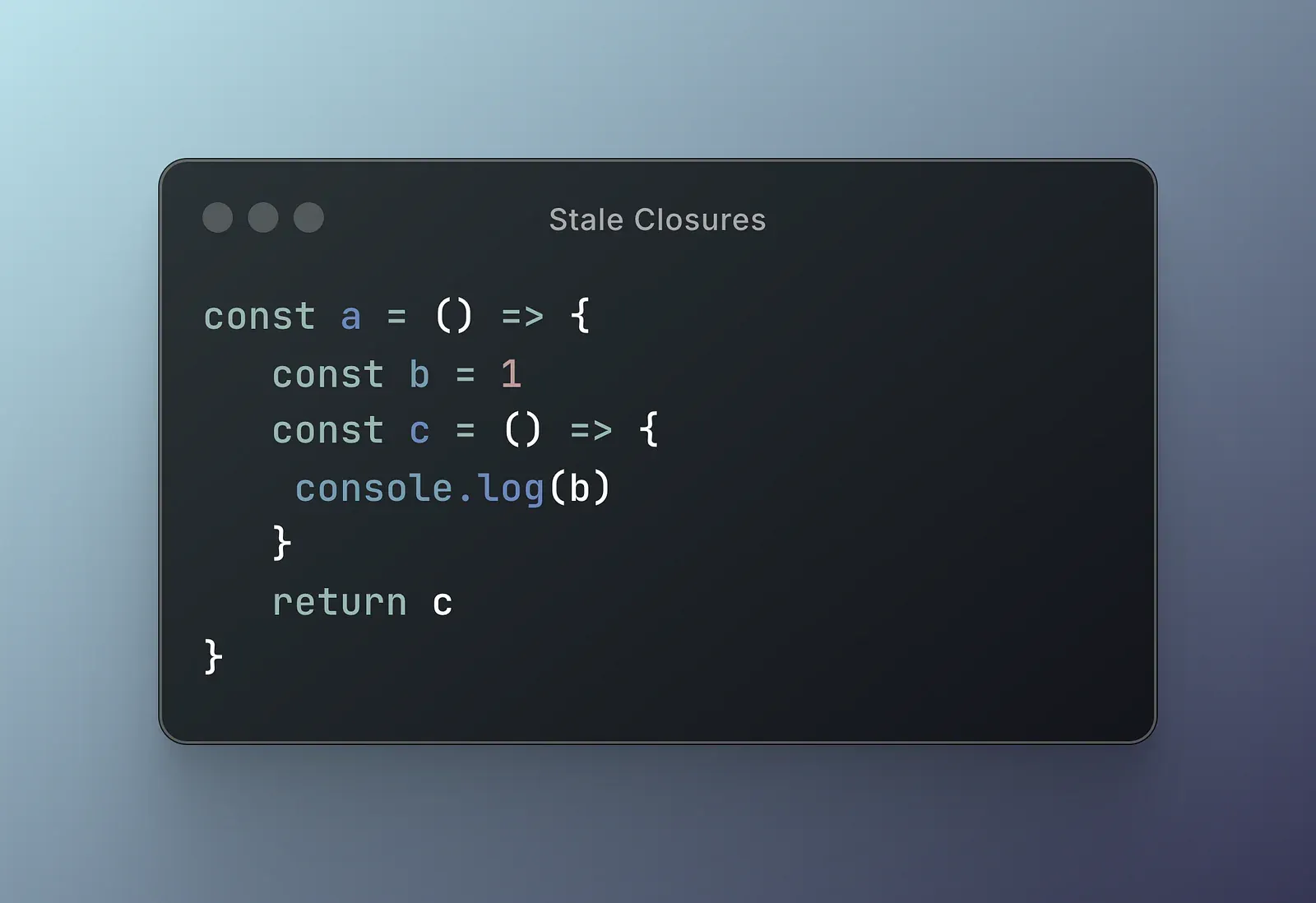
Oh, to be a closure in JS world
If you’ve been around React long enough, you’ve probably heard someone dramatically sigh and mutter about stale closures like they’re talking about cursed artefacts from an ancient temple.
But here’s the real truth:
React doesn’t create stale closures.
React doesn’t even know what a closure is.
Closures are a JavaScript thing, not a React thing.
If you’re running into stale closures, it’s just how JavaScript works.
React is simply minding its own business, re-rendering components and you’re the one holding onto an old reference because… well, closures.
Quick Crash Course: What’s a Closure Again?
A closure happens when a function remembers the variables from the scope where it was created. It’s like packing a lunchbox at home, and then opening it hours later at work. Whatever you packed is what you get, even if you later regret putting tuna in it.
In code terms:
function makeCounter() {
  let count = 0;

  return function increment() {
    count++;
    console.log(count);
  }
}

const counter = makeCounter();
counter(); // 1
counter(); // 2
Here, the increment function closes over count, remembering it even after makeCounter has finished running.
This is just normal JavaScript behaviour. Nothing React-y here yet.
But Stale Closures Feel So Real!
Absolutely.
They feel real because the wrong value shows up.
But the problem isn’t that React broke something — it’s that you captured a variable that later changed, and you forgot that closures don’t automatically “stay fresh” like a bakery item.
So, what’s pretty easy to remember is this: my next value will be seen on the next render of the component!
Values aren’t “frozen” somehow, as some people may suggest.
let x = 0

function fun() {
  console.log("x: ", x)
}
Now we can use console.dir(fun) to see the scopes of the function. We have “Script” and “Global”.
fun()

// x: 0

x = 2 // x = 2

fun()

// x: 2
We can also check the closure again and we can see the most up to date value in the closure. The closure mechanism doesn’t take “snapshots”.
So, Why Does It Feel Worse in React?
That’s because of how components re-render.
In React, when you declare a function inside a component, it gets recreated on every render. If you capture a variable (like state or props) inside a closure, that variable is whatever it was when the function was created.
Let’s see an oversimplified version of the state hook:
function useState(defaultValue) {
  let state = defaultValue
  function setState(stateUpdater) {
    if (typeof stateUpdater === 'function') {
      state = stateUpdater(state)
    } else {
      state = stateUpdater
    }
  }
  return [state, setState]
}
// now assume we are in a component
const [count, setCount] = useState(0)
function clickHandler() {
console.log('Before: ', count) // shows 0
setCount(getCount() + 1)
console.log('After: ', count) // shows, again, 0
}
clickHandler()So why does this happen?
In our simplified version, the update is instant. There is no internal queue and there is no batching. Let’s see how we can fix that, which will reveal the source of the problem.
function useStateV2(defaultValue) {
  let state = defaultValue

  function getState() {
    return state
  }

  function setState(stateUpdater) {
    if (typeof stateUpdater === 'function') {
      state = stateUpdater(state)
    } else {
      state = stateUpdater
    }
  }
  return [getState, setState]
}
In this version, we won’t return the state directly as a value. Instead, we’ll return a getter function that reads the value for us. The counter, is no longer just a value, it’s a function, so there is a little change we have to do for our previous code.
// now assume we are in a component
const [getCount, setCount] = useState(0)
function clickHandler() {
  console.log('Before: ', getCount()) // shows 0
  setCount(count + 1)
  console.log('After: ', getCount()) // shows 1
}
clickHandler()
And voila! We can read the updated state immediately.
The good part is, we can simplify this example even more. Let’s get rid of all abstractions.
let first = 1
let second = first

first = 2
console.log('second equals: ', second); // LOGS: ???
This is as simple as it gets. Vanilla JS!
Do you know what the console log will output? Take a second to answer yourself!
It will log “1”.
The assignment on line 2, doesn’t mean that we form some magical connection that will always update both variables together.
JavaScript copies the value of “first”, which is “1”, and assign this value to “second”. They are both independent values, holding the value 1. When we update “first” again, we only change this individual variable and we are not affecting the second.
This mechanism is responsible for values being stale in React.
DISCLAIMER: this is not the only mechanism for stale values. React also intentionally defers execution of setState updates, forming an internal queue in order to facilitate batching. This is out of the scope of this article. We are only discussing the capturing of values which a lot of people mistakenly confuses with closures.
How Did This Confusion Start?
The confusion around “stale closures” really took off with the rise of functional components in React.
In the earlier days of React, most developers used class components. These components stored their state directly on the instance (this.state) and used methods (like event handlers) bound to that instance. Accessing the current state from anywhere inside the component was straightforward: you just used this.state. It didn’t matter when the method was defined or called — the this reference always pointed to the current instance, and thus the current state.
But then came hooks and functional components
React introduced hooks like useState and useEffect, and encouraged developers to stop using classes. In this functional world, there’s no class instance and no this. Instead, state is managed by functions that re-run on each render, and any value you want to access — like state or props — must be captured inside closures.
This is where things get tricky.
When you define a function inside your component (like an event handler), that function closes over whatever variables were in scope at the time — including state values. But since React components re-render, and each render creates new variables (like a new count), your function might be referencing an old copy of those variables — hence, the so-called “stale closure.”
Unlike classes, functional components don’t “live” across renders — they’re rebuilt from scratch. That’s why your closures need extra care: you’re not getting a reference to the current state like with this, you’re getting whatever was in scope when the closure was created.
Conclusion
So, the rise of functional components and hooks didn’t introduce stale values — it simply made their behaviour more visible. The root cause is still JavaScript closures, but now developers are expected to understand them more deeply to avoid subtle bugs.
You’ll probably like these, as well: